Quickstart
Installation
Install from PyPI with pip:
pip install auth_matrix
Usage
Add the URL to your Django project’s urls.py:
from django.contrib import admin
from django.urls import path, include
from auth_matrix.views import AuthMatrixView

urlpatterns = [
    path(
        "admin/authorization/",
        include("auth_matrix.admin_urls"),
    ),
]
# Display the Authorization Matrix
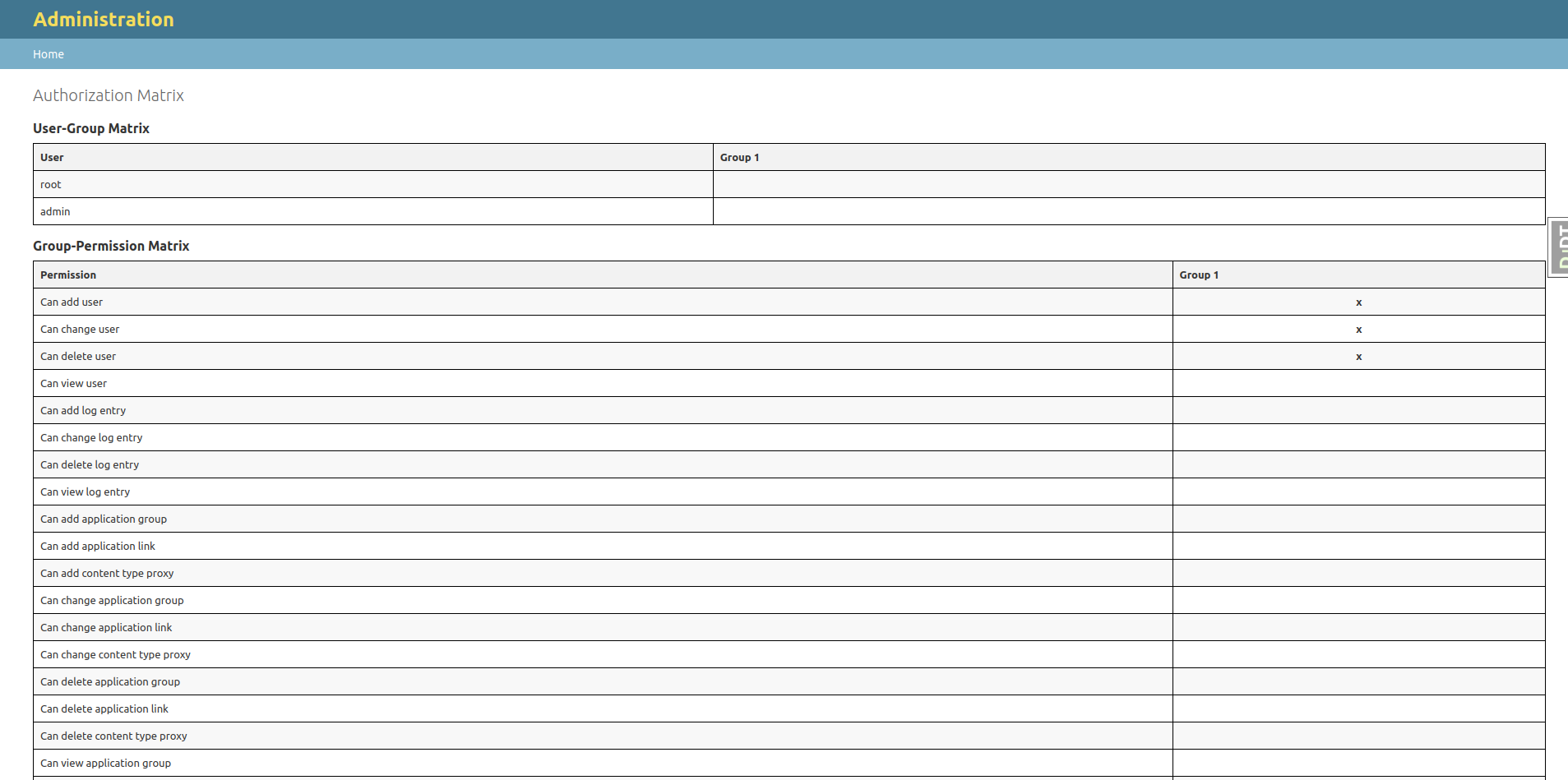
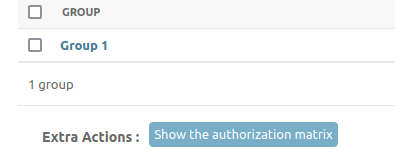
Navigate to the Groups admin page and click on the “Authorization Matrix” link to view the matrix.
# Export the Authorization Matrix
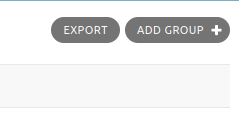
On the top right corner of the Groups admin page, you can choose to export the matrix to different formats.
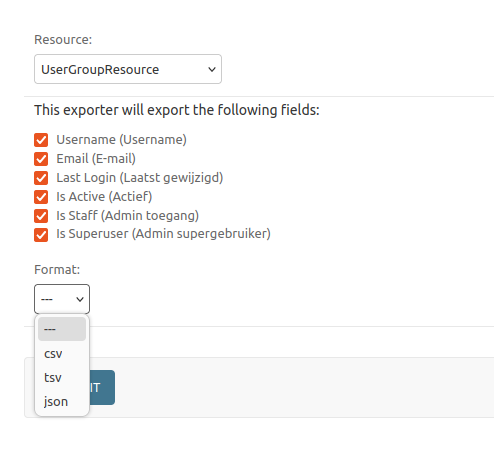
Click the EXPORT button and chose the format you want to export the matrix to.
- You can pick between two resources:
UserGroupResource : exports the matrix with users as rows and groups as columns
GroupPermissionsResource : exports the matrix with permissions as rows and groups as columns